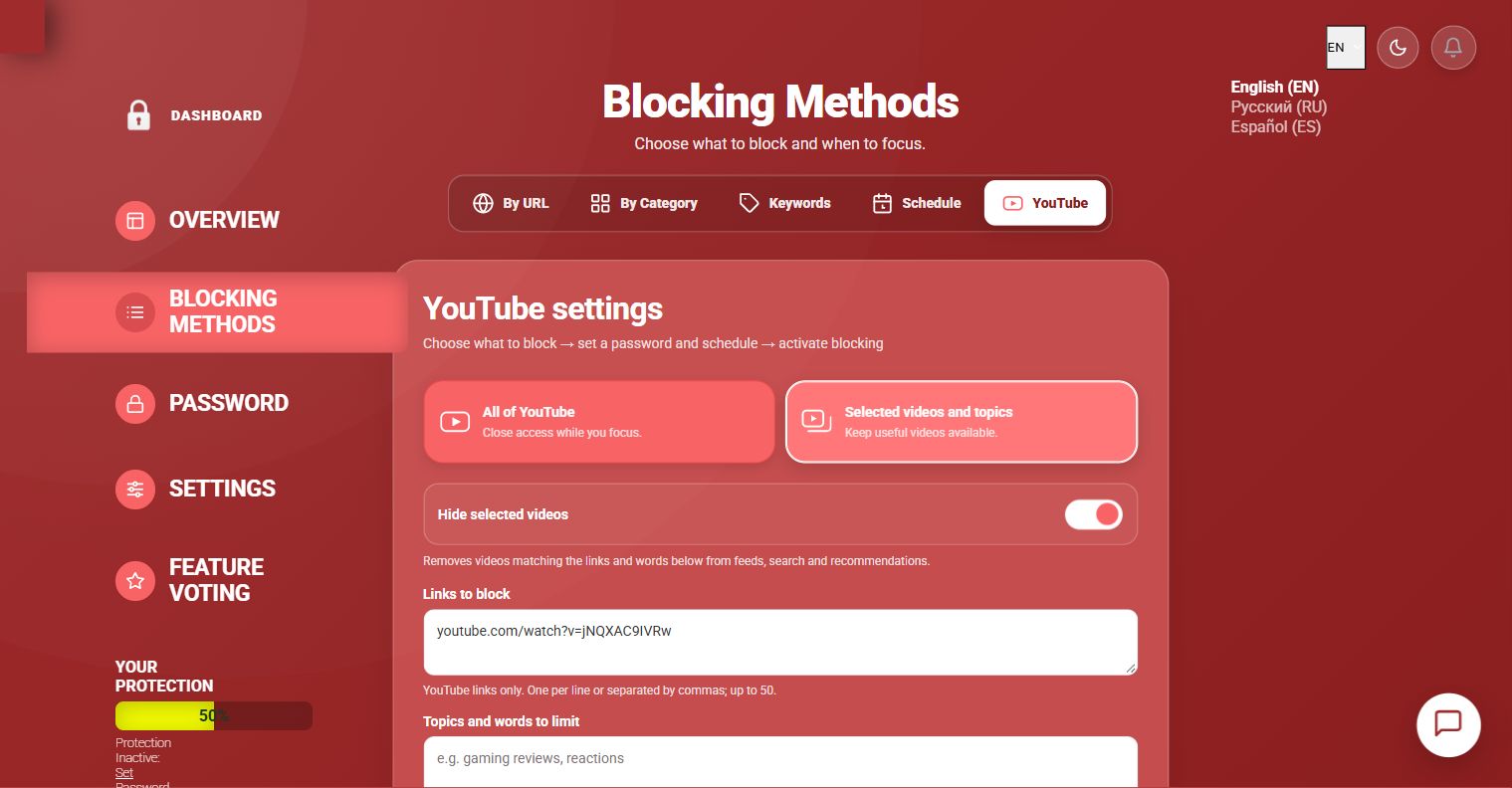
All of YouTube or individual videos
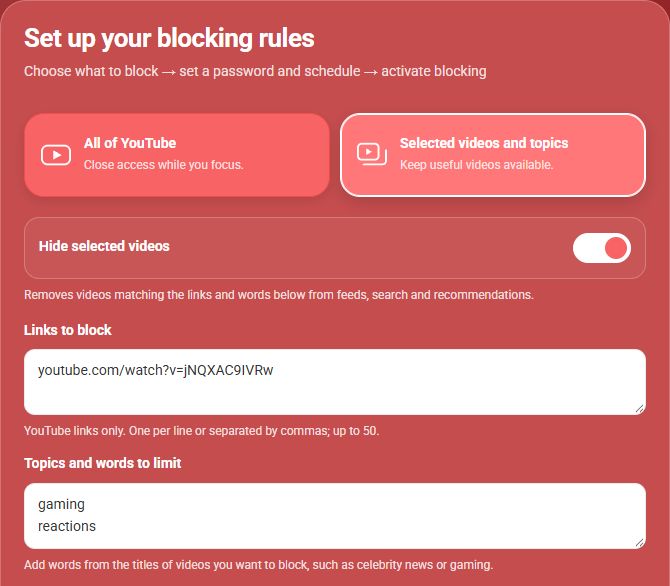
Block YouTube entirely or block specific videos using their links. Keep the lessons and resources you need available through the whitelist.
Save time for work, study, and rest. Limit YouTube so a random video doesn’t turn into a long viewing session, while keeping the videos you need available.
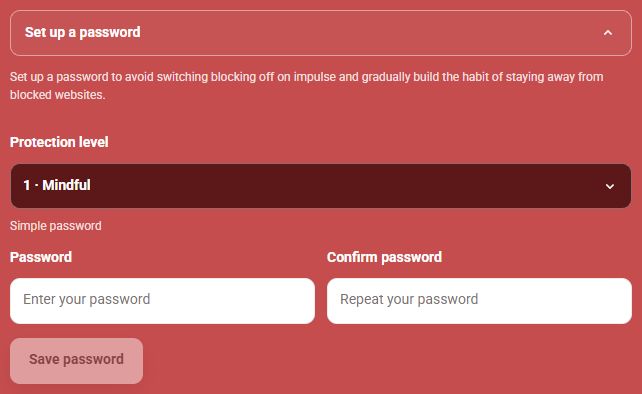
Set your restrictions and turn on blocking. Then protect your settings with a password.
Block YouTube entirely or block specific videos using their links. Keep the lessons and resources you need available through the whitelist.
Enter words from the titles of videos on topics that distract you. Turn on hiding so videos selected by links and words disappear from your feed, search results, and recommendations.
Turn on blocking for a chosen amount of time or set the days and hours you need. Use the timer for a single task and the schedule for regular work and study.
Choose all of YouTube or individual videos by links and words. Set a schedule or timer, turn on video hiding if needed, and apply your chosen settings.
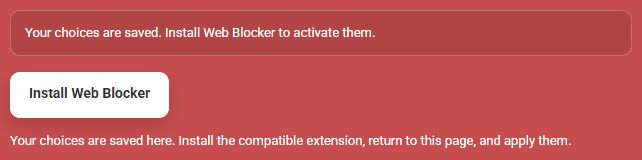
Install Web Blocker for Chrome and return to this page to finish turning on blocking.
Set a password to make it harder to remove restrictions at the first urge to return to watching.
Go to the app to continue managing blocking and other settings.
Set your restrictions on this page and turn them on through the Web Blocker extension. You will not need to create an account, provide an email address, or sign in with social media.
Video links, word lists and blocking settings are saved in the browser on your device.
Blocking works in the browser where Web Blocker is installed. It does not apply to the YouTube app, a TV or other browsers.
The allowed list overrides the YouTube restrictions set in this panel. Other active Web Blocker restrictions may continue to block the video.
Add exact links or distinctive words and phrases from titles. Hiding looks for matches in the title, so a broad word may also hide a useful video. Add the videos you need to your allowed list.
Your device’s local time. Restrictions apply on the days and during the hours you choose; the timer turns them off when the set time ends.
A password makes changing settings harder. Two levels are available: “Mindful” and “Habit breaker”. This protection does not prevent removing the extension or watching on another device.
Check that the extension is installed and enabled in this browser. Return to the page, apply your settings and check the message confirming they are on.
Choose all of YouTube or selected videos, save your settings, and activate blocking through the Web Blocker extension.
Block YouTube