Less scrolling. More living.
YouTube Shorts Blocker Browser Extension
Spend less time scrolling and more time on what matters to you. Remove the Shorts feed while keeping access to regular YouTube videos.
Keep what helps
Watch the videos you need without getting lost in Shorts.
Watch regular videos, visit channels and search for what you need.
Blocking limits access to the Shorts feed, while hiding removes Shorts videos from the home page, search results and recommendations.
Shorts videos are hidden. Regular videos stay available, so you can watch what you came for.
From your choice to a calmer YouTube
Block Shorts in three steps
Choose when to block Shorts, install the extension and turn on blocking.
Choose exactly when to hide Shorts
Set a timer, choose days and hours, or leave blocking on all the time.
Choose your settingsInstall Web Blocker
without signing upAdd the extension to Chrome, then return to this page.
Install Web BlockerBlock Shorts with 1 click
Click “Block YouTube Shorts” and refresh YouTube. Regular videos stay available.
Block YouTube Shorts
Check the result on YouTube
Once blocking is confirmed, refresh YouTube. Shorts will be blocked and regular videos will stay available.
Timers and schedules block Shorts only during the time you choose.
Protect your time
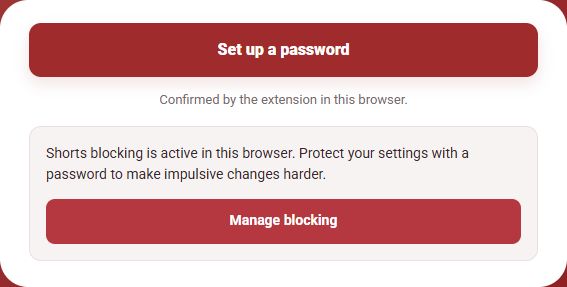
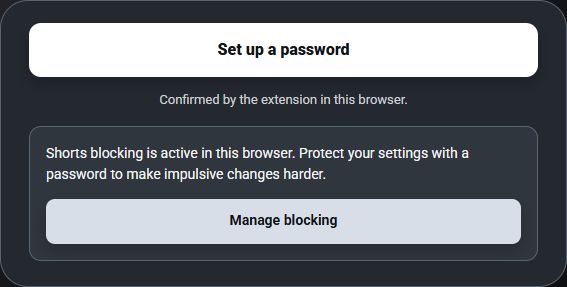
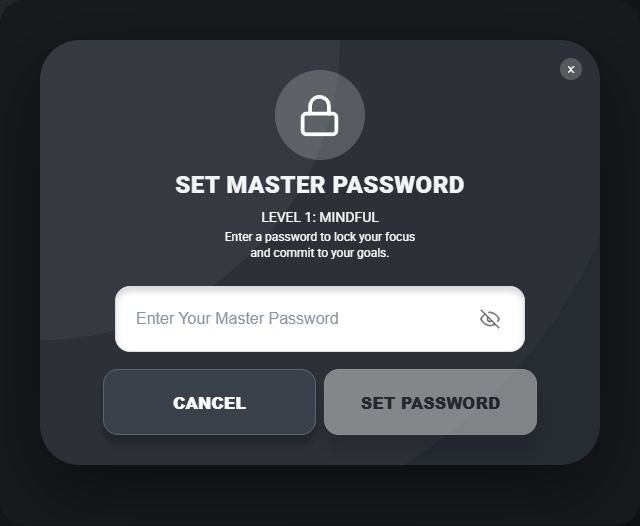
Protect your settings with a password
Protect your Web Blocker settings with a password to help you avoid turning blocking off out of habit.
This is optional. You can add a password after turning on blocking.
Set up a password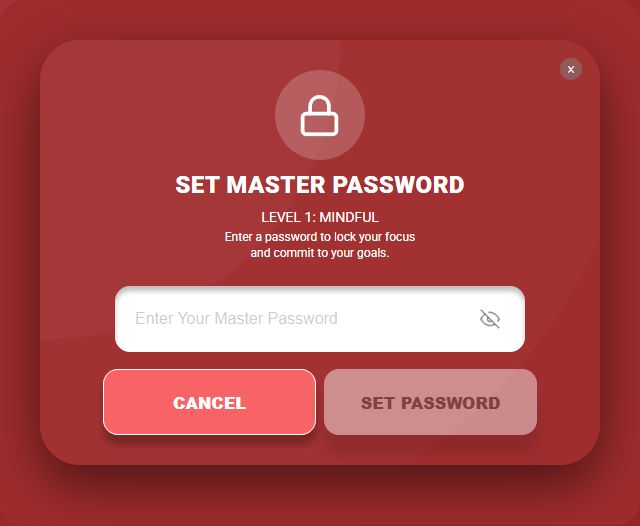
Answers before you begin
What you need to know
How blocking works and what to check if the result is not what you expected.
Will regular videos and channels stay available?
Yes. These settings limit the Shorts section while keeping regular videos, channels and YouTube search available. Other Web Blocker rules you have enabled can still apply to the same pages.
Will Shorts disappear from search and recommendations?
Yes, when “Hide Shorts in YouTube” is enabled. While blocking is active, Shorts videos are hidden from the home page, search results and recommendations in this browser. Without hiding, opening Shorts is blocked, but the videos can still appear in your feed.
Does this work in the YouTube mobile app?
This setup is for YouTube in Chrome on a computer with Web Blocker installed. It does not apply to the YouTube mobile app, a TV or another browser.
What happens if I open a direct Shorts link?
Links such as youtube.com/shorts/… are blocked while your restrictions are active. The regular YouTube player stays available: this rule limits the Shorts section rather than every video that happens to be short.
Do I need to keep this page open?
No. Once the widget confirms that blocking is active, the extension runs your rules. You can close this setup page; Web Blocker must stay enabled in the same browser.
How do I change the timing or bring Shorts back?
Open YouTube settings in Web Blocker, change the duration or schedule, or disable these rules, then confirm the change. If your settings are protected, the app will ask for your password.
The extension is installed, but Shorts are still there. What should I check?
Check that Web Blocker is enabled in the same Chrome profile and the widget has confirmed that blocking is active. Make sure the timer has not ended, the current day and time are within your schedule, and hiding Shorts is enabled. Then refresh YouTube. If the widget reports other YouTube settings, review the changes before replacing them.
Your time for what matters
Block Shorts on YouTube in 1 click
Hide Shorts from your feed and search while keeping regular videos. Block them with a timer, on a schedule or until you turn blocking off.
Block YouTube Shorts